
1UP RELOADED: Prototype by Fossil Four Studios
A downloadable game for Windows and macOS
1UP RELOADED is a sidescrolling platform game for children, inspired by the dance show of the same name by the dance collective Arkeolog 8.
In 1UP RELOADED you play as different dancers while fighting through treacherous terrain to collect points and reach the end.

Play through five fun and visually striking levels
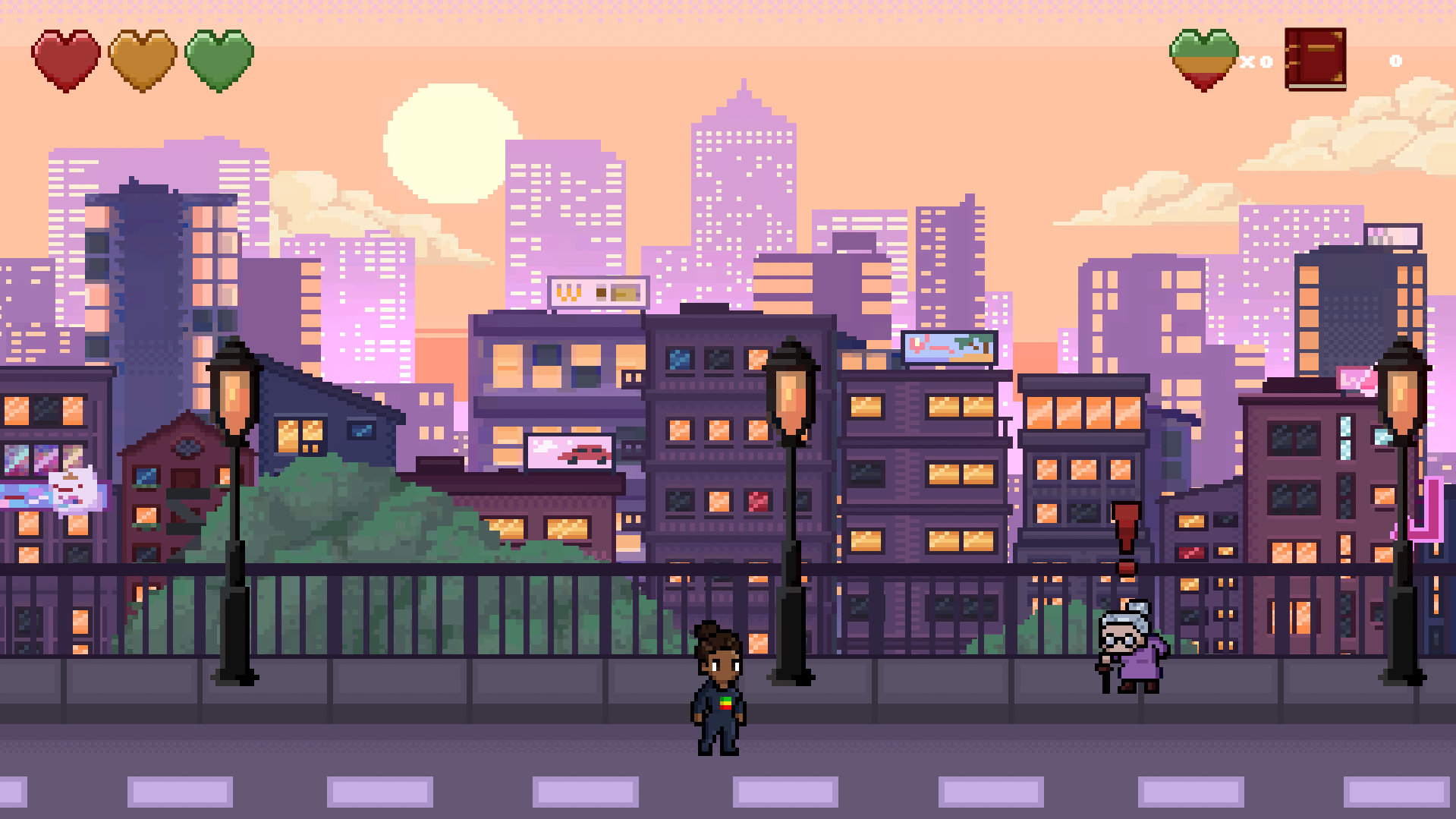
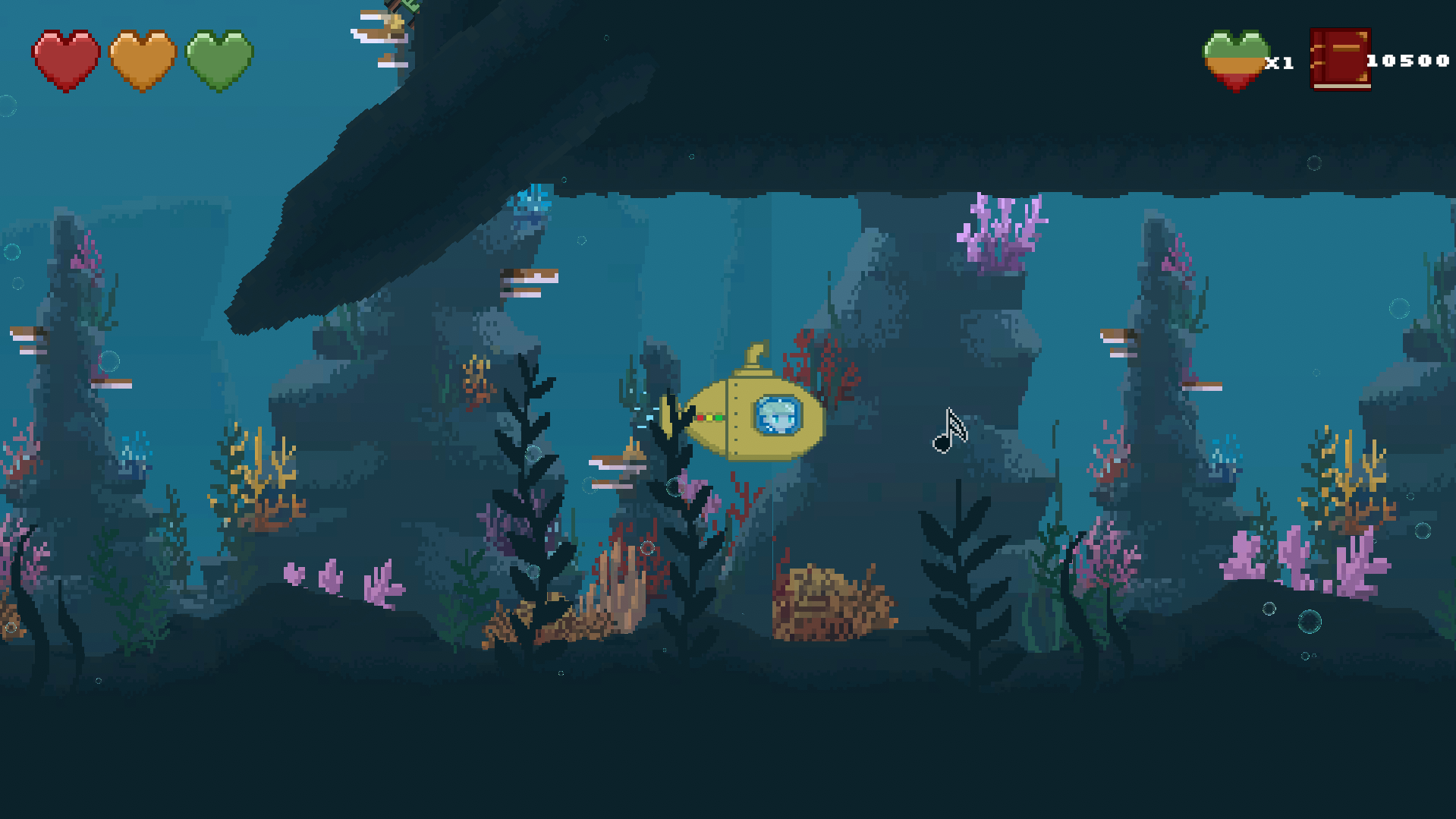
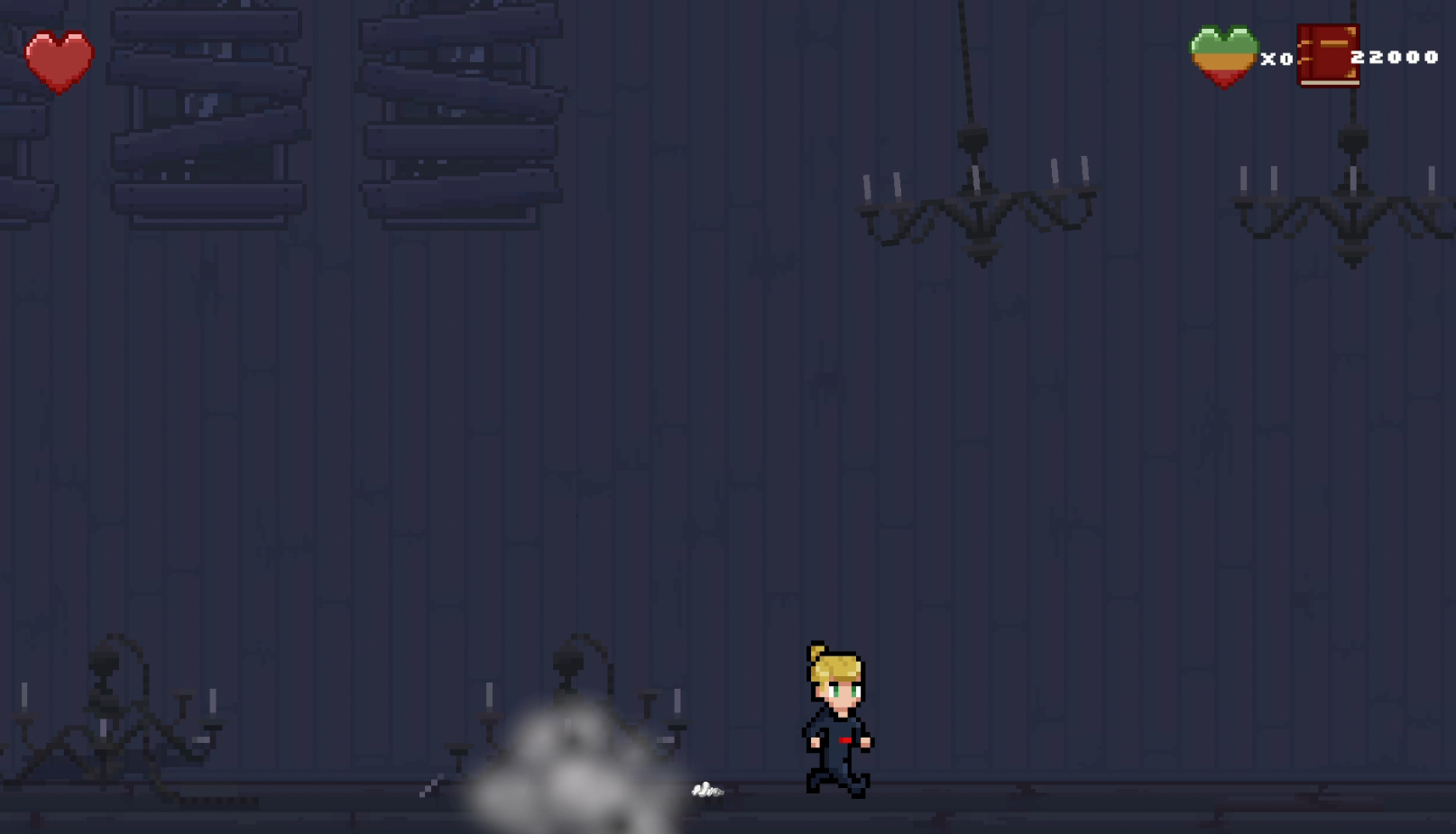
Traverse through different levels with distinct themes, ranging from an urban landscape to the rocky surface of Mars. Each level poses a unique challenge to overcome, with everything from cars to space debris becoming obstacles.
About us
Fossil Four Studios consist of four students who studied their final year of Game development at Södertörn University in Sweden. During the programme's last few months we had the pleasure of developing a game for the dance collective Arkeolog 8 for our internship. We are a small but passionate team, composed of two graphical artists and two designers who during the course of 10 weeks worked together to develop 1UP RELOADED.
This game is made using the knowledge we have cultivated over the course of our three year long education.
About the dance performance
The dance show 1up RELOADED turns life into a computer game. With bated breath and racing hearts, the dancers battle their way through the game’s obstacles, high scores, and epic boss battles where every move matters. Do you really have to play by the rules? How do you survive and level up? And who’s the real final boss?
About the dance group Arkeolog 8: https://www.arkeolog8.se/

System Requirements
Minimum:
OS : Windows 10 or 11
Processor: Intel Core i3-8100 or AMD Ryzen 3 1200 (or equivalent dual-core @ 3.0+ GHz)
Memory: 8 GB RAM
Graphics: NVIDIA GTX 750 Ti or AMD Radeon R7 360 (2 GB VRAM minimum)
Storage: 1 GB
Download
Install instructions
How to Play
- Download the ZIP file.
- Extract the ZIP folder.
- Open the extracted folder.
- Launch the
.exefile.
macOS
- Download the ZIP file.
- Double-click the ZIP file to extract it.
- Open the extracted folder.
- Double-click the game application (
.app) to launch it. - If macOS prevents the game from opening:
- Right-click (or Control-click) the app and select Open.
- Click Open again in the security prompt.
Windows antivirus software may display a security warning when launching the game. This can happen because the game is an indie/student project and is not digitally signed. If you download the game from this official Itch.io page, you can safely proceed and run the game.

Leave a comment
Log in with itch.io to leave a comment.